Catch Tiles: Piano Game
More games to play
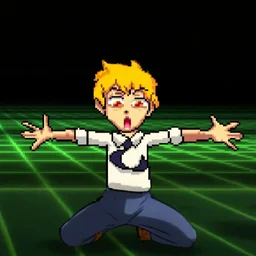 Chainsaw DancePixel rhythm game where you match arrows to anime beats and survive.
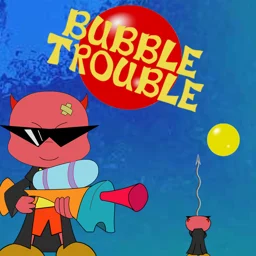 Bubble TroublePop splitting bubbles with a spike gun before they overwhelm you.
 Perfect PianoTap falling keys in time to master songs on a browser piano.
 Blob OperaDrag a blob to make four voices sing opera together in harmony.
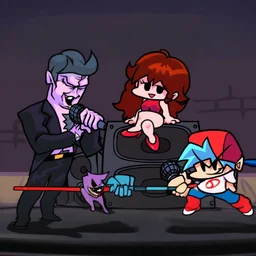 Friday Night Funkin'Back to the main game
Catch Tiles: Piano Game is a free browser rhythm game where tiles fall from the top of the screen and you have to tap them in time to the music. It is free to play with no download required, and you can open it in any browser at school or work. The track library covers EDM, classical, anime, KPOP, and more. You can also import your own songs, so the game works with almost any music you want to practice with.
What is Catch Tiles: Piano Game?
Catch Tiles is a casual rhythm arcade game. Tiles scroll down the screen in lanes, each one tied to a note in the song playing. Your job is to press the matching key or click the tile at the right moment. Miss too many and the run ends. The core loop is simple: the faster the song, the harder it gets to keep up.
The game started as an Android app in January 2021 and came to HTML5 browsers in March 2024. It holds a 4.0 out of 5 rating from nearly 97,000 player votes.
Controls for desktop and mobile
On desktop you use four keys spread across the keyboard to match the tile lanes. On mobile, tap the tiles directly. Press Space to start a round.
| Action | Desktop | Mobile |
|---|---|---|
| Press tile (lane 1) | A key | Tap tile |
| Press tile (lane 2) | S key | Tap tile |
| Press tile (lane 3) | K key | Tap tile |
| Press tile (lane 4) | L key | Tap tile |
| Left mouse click | Left mouse button | N/A |
| Start game | Space | On-screen button |
Music genres and song selection
The library spans several genres, so most players find something they already know. You can also upload your own audio files and play along to any song in your personal collection.
| Genre | What to expect |
|---|---|
| EDM | Fast, driving beats that push your reaction time |
| Classical | Structured pieces, good for learning consistent timing |
| Anime | Recognizable themes from popular series |
| KPOP | Upbeat chart tracks with dense tile patterns |
| Custom import | Any song you add from your own files |
Competing online for rewards
The game has an online competition mode where you play against other players and earn rewards based on your performance. Accuracy and speed both count, so even if you know the song well, sloppy timing will cost you in the rankings.
Tips for hitting more tiles
- Start with a slow classical track to build muscle memory before moving to fast EDM.
- Keep your fingers resting on A, S, K, and L between tiles rather than lifting them fully.
- Watch a beat ahead of the current tile, not the tile you are pressing right now.
- On mobile, use your thumbs for the outer lanes and index fingers for the inner ones.
- Custom songs with a clear beat and not too many simultaneous notes are easier to learn on.